AI-powered platform to create docs, decks, and sites
Gamma is a free-to-use education and reference tool that grants you the ability to create presentations, documents, and web pages in a snap. This tool from Gamma Tech, Inc. uses artificial intelligence to create content to place in your output, as well as how to arrange the information you want to present.
Gamma is quite similar to ChatGPT, where you simply have to input a topic you want to focus on, and the program will automatically produce your content for you. You also have the ability to edit the outline and add your details.
Presentations have never been easier to make
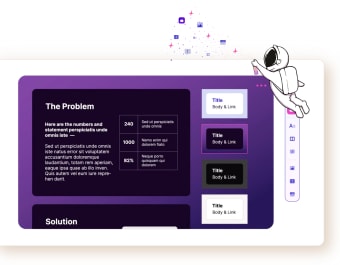
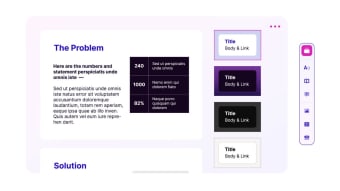
With a wide array of ready-to-use templates at your disposal, Gamma makes it easier for you to curate your output to suit the topic you want to present or find something that reflects your output’s goals. You can easily switch templates and customize the fonts used, as well. In addition to this, users can also embed a variety of media types like GIFs, charts, and webpages.
Users have the ability to share their output with other users and fellow collaborators and access detailed analytics—which can be especially useful for users who plan on tracking the traffic that their created webpage garners. If you’re working with a team, you can also easily add comments and gather reactions to make suggestions and see them directly in your presentation.
However, this program isn’t quite polished just yet. Setting up a prompt or topic can take a few tries before the AI can successfully generate an outline. There are also instances where the program takes too long to set up your file or website, so you’ll have to return to the template page and reselect your chosen style to push the program to lay everything out quicker.
A promising design tool
Even without knowing how to design decks or code websites, you can easily produce a stylish-looking website or deck with Gamma. With numerous templates to choose from and the ability to collaborate with team members, it presents numerous promising features that a variety of users can enjoy. Just keep in mind that it can take a while to lay out your outline according to your chosen template.